For the record: How to run NuGet.exe on OS X Mountain Lion
I've just finished reading C# Smorgasbord (will write review another time) and I am ashamed to admit I didn't play with IL generation before. So I started with simple examples from the book (get the source from Bitbucket) and was curious if they work on Mono. Actually not all of them... But besides that the whole experience with Mono on Mac was very smooth. Here are steps to install Mono, MonoDevelop and NuGet - all you need to run typical Visual Studio solution:
- Download and install Mono Framework SDK from http://www.go-mono.com/mono-downloads/download.html. Current stable version is 2.10.10. On Mountain Lion you need to temporary disable Gatekeeper to proceed with installation.
- Download and install MonoDevelop from http://monodevelop.com/Download. Current stable version is 3.0.5.
- Download NuGet.exe Command Line bootstrapper from http://nuget.codeplex.com/downloads/get/222685
- Because bootstrapper and NuGet itself use HTTPS we need to import trusted root certificates from Mozilla's LXR into Mono's certificate store:
# mozroots --import --sync - Now the bootstrapper and we are done:
# mono --runtime=v4.0.30319 NuGet.exe
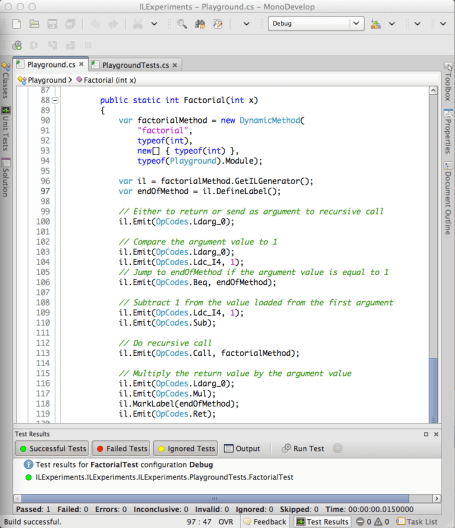
How to restore NuGet packages for solution: # mono --runtime=v4.0.30319 NuGet.exe install ./packages.config -OutputDirectory ./packages Screenshot of MonoDevelop running unit tests: